Good morning
Anyone remember using one of these? The cat thought the ribbon was interesting for a few minutes. 🙂

Good morning
Anyone remember using one of these? The cat thought the ribbon was interesting for a few minutes. 🙂
Good morning,

Photo of a waterlily in a small pond in my yard. No editing. I have had this waterlily for about four years. It is in a six foot long oval stock tank that is two feet deep. It is very hardy. I set the pot on the bottom of the tank to keep it over winter.
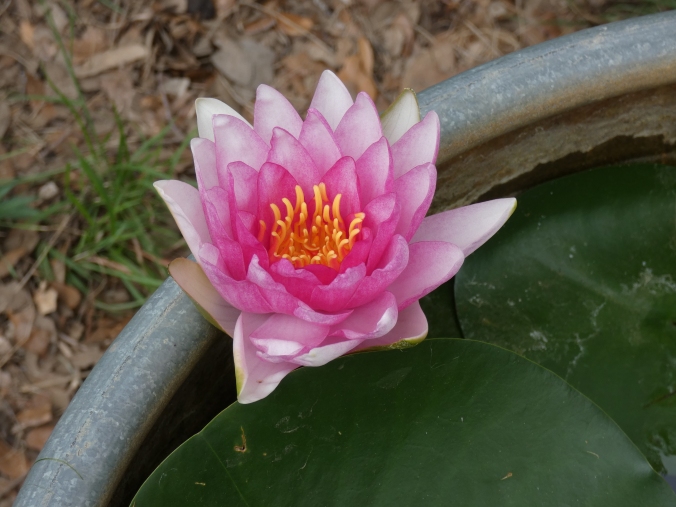
The photo below has been edited with Topaz Studio and Topaz Labs plug in, Simplify, using the finger painting effect.

I was working outside this week and heard a buzzing sound fly past my ear and the sound of something small hitting concrete. I looked over at the drive way ramp and saw a cicada on it’s back, not moving. I found a small stick and offered it to the cicada. It grabbed it with its feet and I carried it to the porch, hoping to give it some shade and a safe place to recover from whatever had caused it to crash to the ground.
It was not the usual green cicada I am used to seeing. I googled central Texas cicada to see what I could learn. It turns out this is a Dog-Day Cicada. They are an annual cicada with a 2-5 year life cycle. I have heard of longer life cycles and those apparently are periodical cicadas, and complete their life cycle in 17 years. (The article in the blue link above, from the Texas A&M Agricultural Extension states the Texas periodical cicada can complete its life cycle in 13 years) The Dog-Day Cicada’s coloring varies widely from green, brown and dark brown/black to green with black. This one appeared to be mostly brown and black, but the green showed up more depending on the lighting and background.
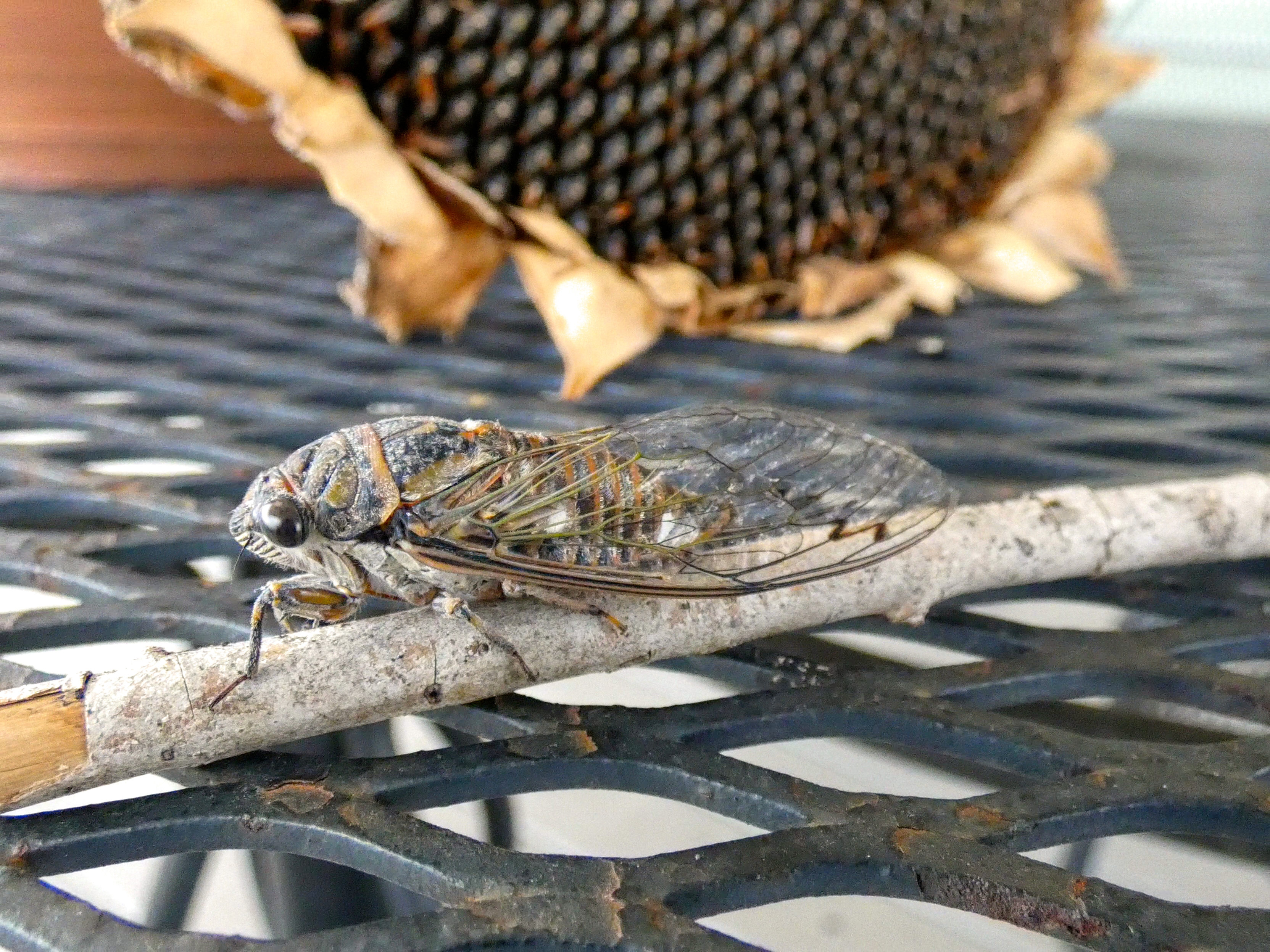
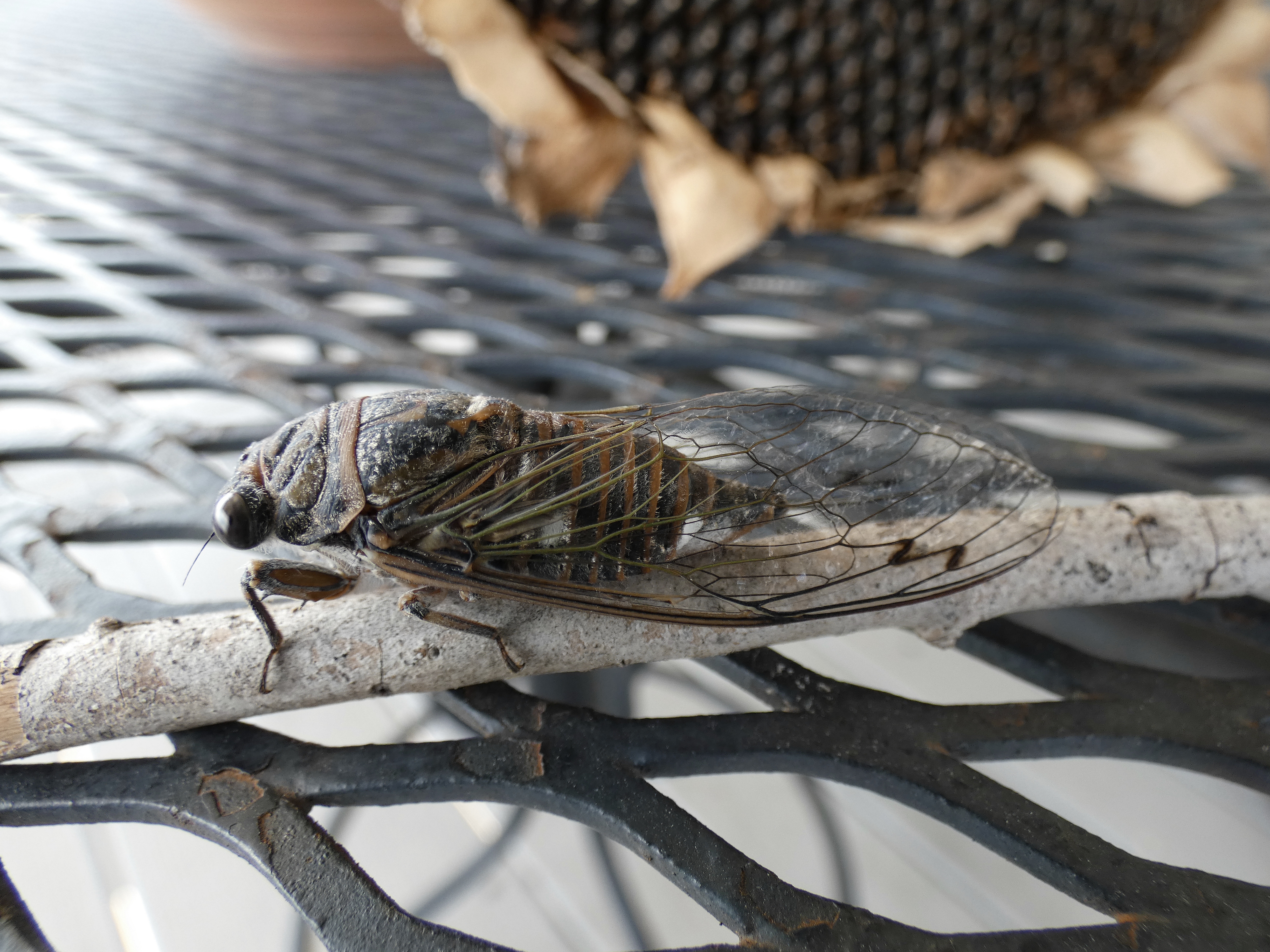
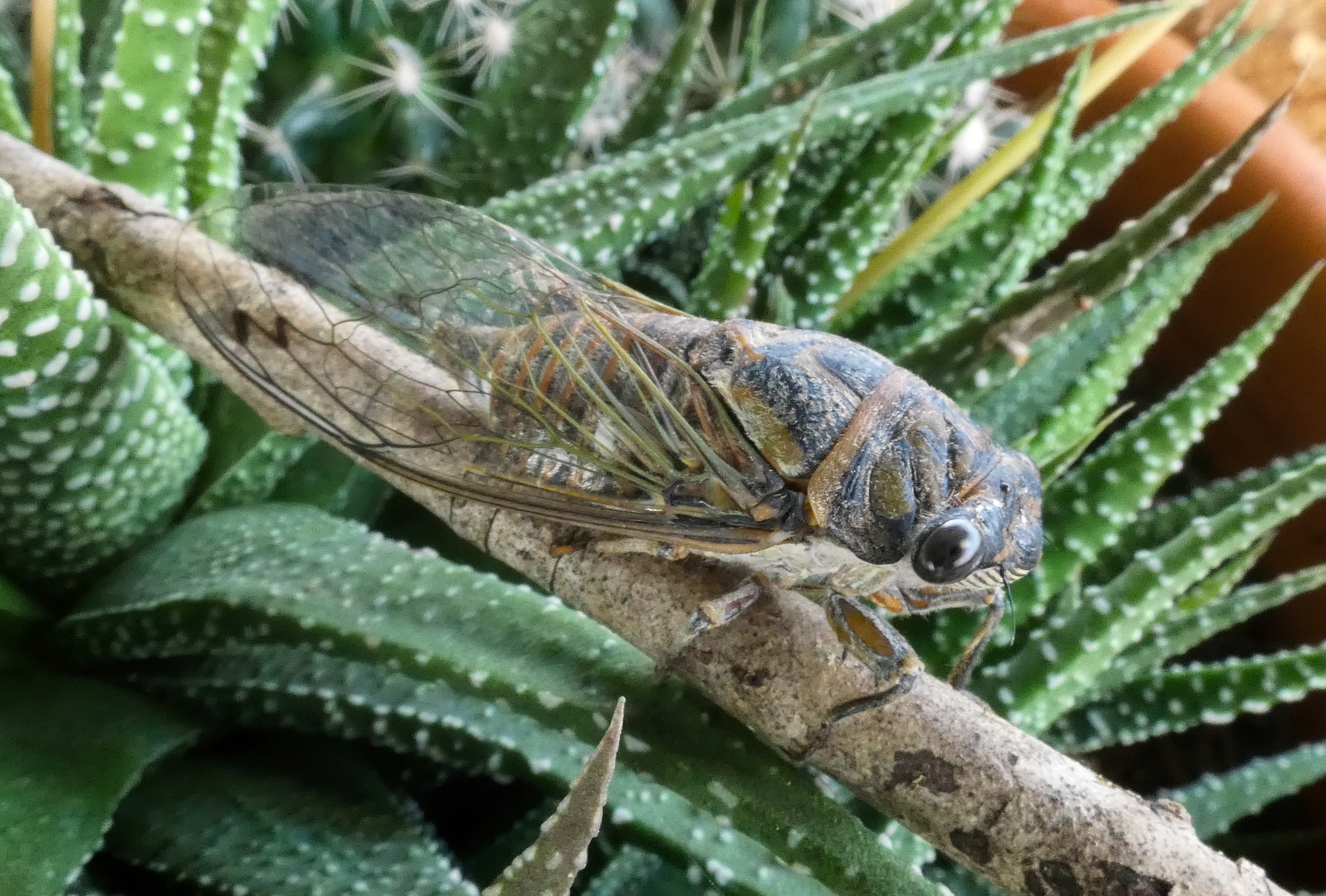
Once I had taken a few photos and noticed that the cicada was starting to move around a bit, I moved it to a larger potted plant where it could continue its recovery in relative quiet and safety. When I checked on it later, it had gone.
I love finding fun things for Dragon Thursday. My search this week was for Dragon art – images and it led me to a wonderful Etsy shop called

I love the colors this artist uses. I find this particular combination especially appealing. The dragon is gorgeous. It is on my wish list! Be sure to click on the shop link (above) or the dragon print to go to the Etsy shop. They have so many beautiful paintings.

You can also find Kristina Alien on Instagram and Facebook
Enjoy,
Melyna
Good morning

Crested Storks, photographed at San Antonio Zoo, 2005. Photo edited using Topaz Studio and Topaz labs plugins. Topaz Adjust plugin – effect – Stylized – Painting – Venice, also sharpen and denoise, then a red cast color overlay and mild blur effect.
Note: I originally shared this blog post in July 11, 2015. We had friends over this week and they commented on a collage of our kitty(featured in this post), which sparked my interest in revisiting the collage post. I thought I would share it again. I checked the links and the websites are still in business. I hope you enjoy exploring and creating your own collages.
I decided to procrastinate play this morning with some photos. I photographed a hummingbird at the feeder the other day and wanted to show the original and then the cropping of the photo. I tend to use Photoshop Elements to edit but I did not like the collage maker that it has.
I went on-line and found this list of photo collage software, The 14 Best photo collage maker tools on a site called Creative Bloq.
Here is a link to the list:

I have used Instagram’s Layout (which is only available for iphone) and Picasa with my Google account, but had not tried any other the others. I went to the websites of the software that worked with PC. (there are several that only work with mac or ios ) Some required registration.
I tried out Photo Collage.net
From their home page:
Add photos without uploading
Create online photo collages
Save and Share Collages
Works on PCs, tablets and smart phone (ios and Androis)
Free form and template collages
Create Facebook, Google+ or Twitter Covers and header collages
No registration needed.
I found it easy to use and navigate. It has a FAQ swction and a video tutorial available.
It steps you through your choices above the blank canvas. You cannot choose your template until you have added your photos which I did not like as much. It is web based so no need to download it to my computer.
It has a selection of backgrounds you can use or choose one of your own.

I also tried Fotor
It has more features and a sleek look.
You can make a collage, edit a photo and design a card.
It is web based and also available for ios and Android
They have a section titled online editing made fun and simple which is helpful and informative.
At the bottom of the home page it has a menu that pulls down information as you scroll over each square. This gives you information about their effects, textures, filters and more. More includes: Photo editing, Photo collage, HDR, Beauty retouching, photo cards and Cover Maker – do it yourself cover photos and banners.
The only issue I had with making a collage on Fotor was when I added a photo it would not let me reduce the size of the photo to fit into the section of collage that I had chosen. Other wise it has many fun features and is easy to use. Also – it asked me to register for free, when I attempted to make a Facebook template. Registration was easy and it did not ask for any personal information other than my email address.
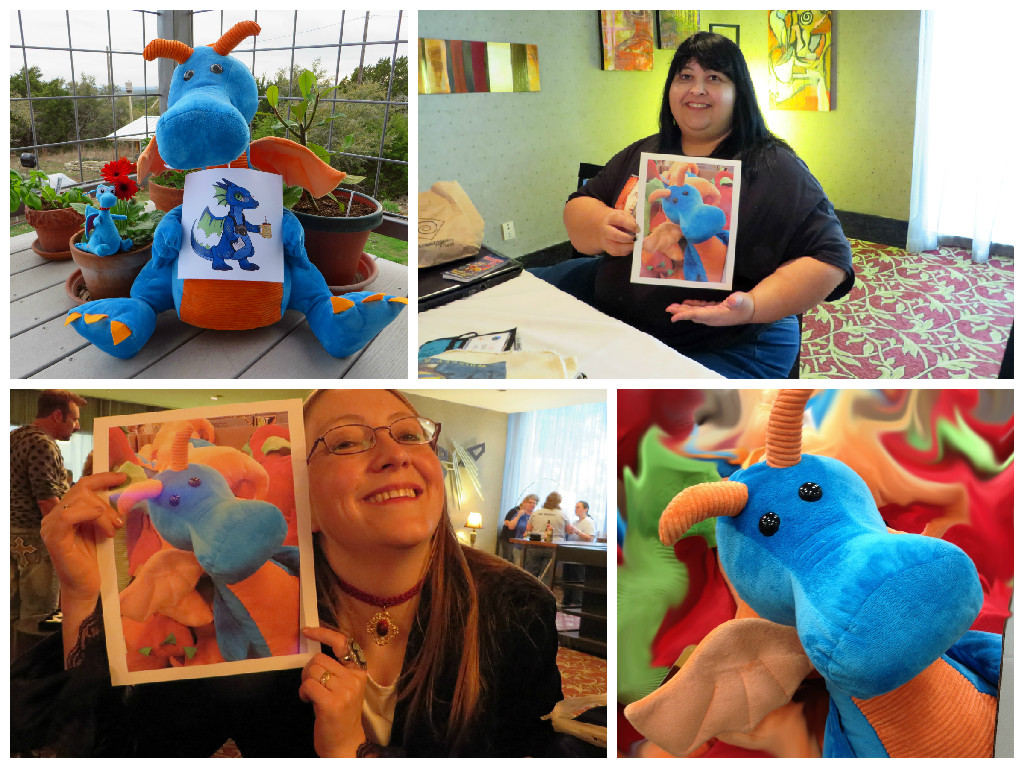
Then I tried Photovisi
When I clicked on the Start Creating button, the page it took me too had options but I never got anything to respond when I clicked on them.
So I went back to the home page and there are examples of collages on the page. they all run together and I scrolled until I found one similar to those I had been using on the other sites. It never loaded. Then I saw a small line of text stating if I was having trouble to go back to the old version of Photovisi. (I did not know I was on the new version) So I clicked that and Voila!
Going to this other version of Photovisi took the collage format with it. I added my four photos. It did not allow me to adjust the size of the photos other than increasing or decreasing the photo which made it either overlap the other photos or left a background space. Once I gathered the phtos that fit the spaces, I went to save the photo. To get the collage with out the water mark, a pop up comes up and states for $1.99 you can gt this collage with out the water mark. The water mark appears in the lower right hand corner of the collage. So far this is my least favorite site. not because of the water mark but the site was confusing and not easy to navigate. This is also web based.
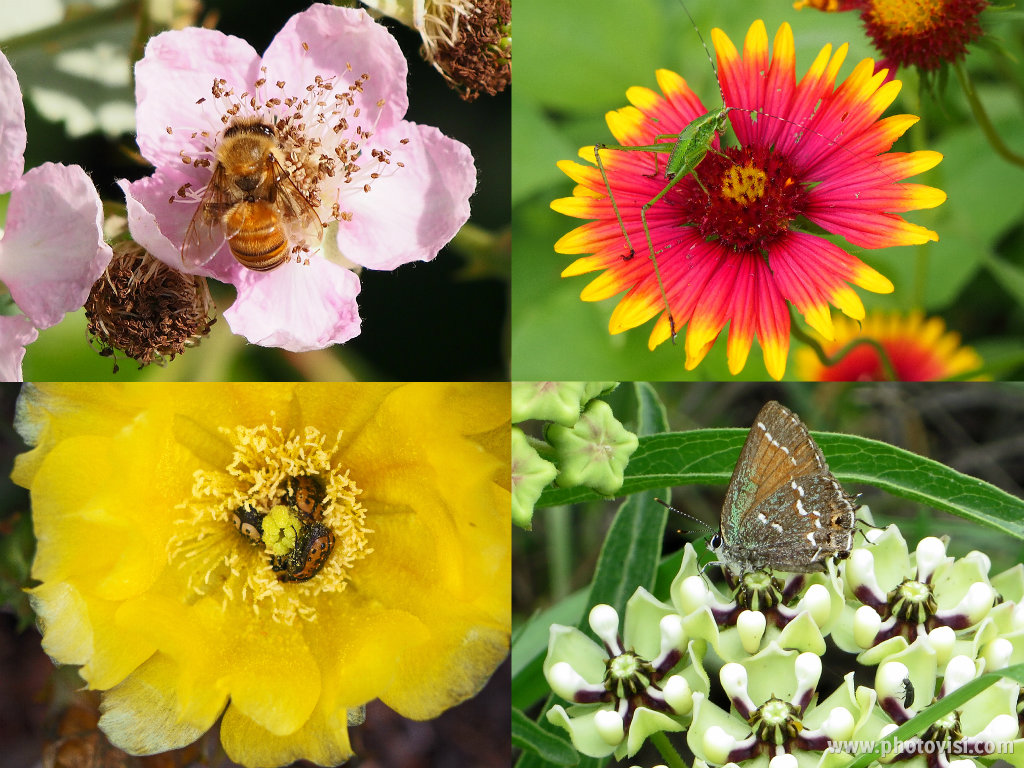
Next on the list is Pearl Mountain Collageit
There is a free version and an advanced version to buy. The free version must be down loaded. Cnet gave it 4.5 stars but I chose not to download it at this time. I prefer the web based programs.
Next up is Ribbet
From the website:
It has a fun frog them and an appealing layout. It has editing and collage functions and I noticed across the top of the page , there are links to something called MILK (a site to create and buy photo books, cards and prints) , Zazzle (create t-shirts, mugs and much more), their Blog and Forums.
Using the Collage function, I picked a similar format and added photos. It would not let me load multiple photos because I had not registered. If I register it will allow me to upload up to 100 photos at a time. No sizing of the photo except for zooming in. I am not sure if there are more options with the premium version. Once the collage was finished it brought up an editing page. This was nice and the edit applied to the entire collage.
Over all it was easy but not a site I will be using often.
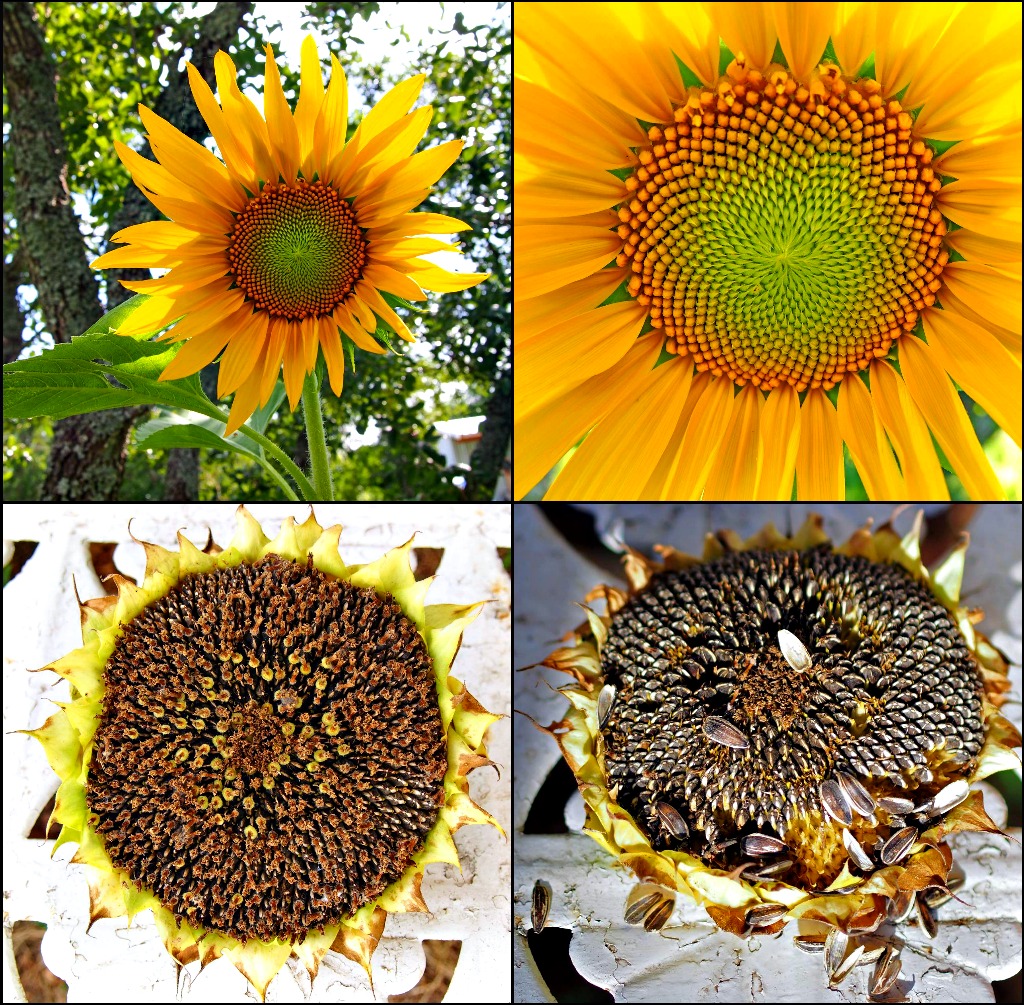
Next is a site called BeFunky
This is a photo editing, photo effects and collage maker. The site is easy to navigate and it asks if you want a tour when you explore a new feature. I found a collage format like the one I have been using. It was easy to add photos and switch between editing and he collage. It did not allow me to decrease the photo size in the frame much like the other applications. Easy to save to my computer too with choices of size and quality. There are effect and other tools, some are locked unless you buy a subscription. $4.95/month or $24.95/year. Has a similar feel to the Photoshop elements 13 that I use not but with more features. This one was fun.
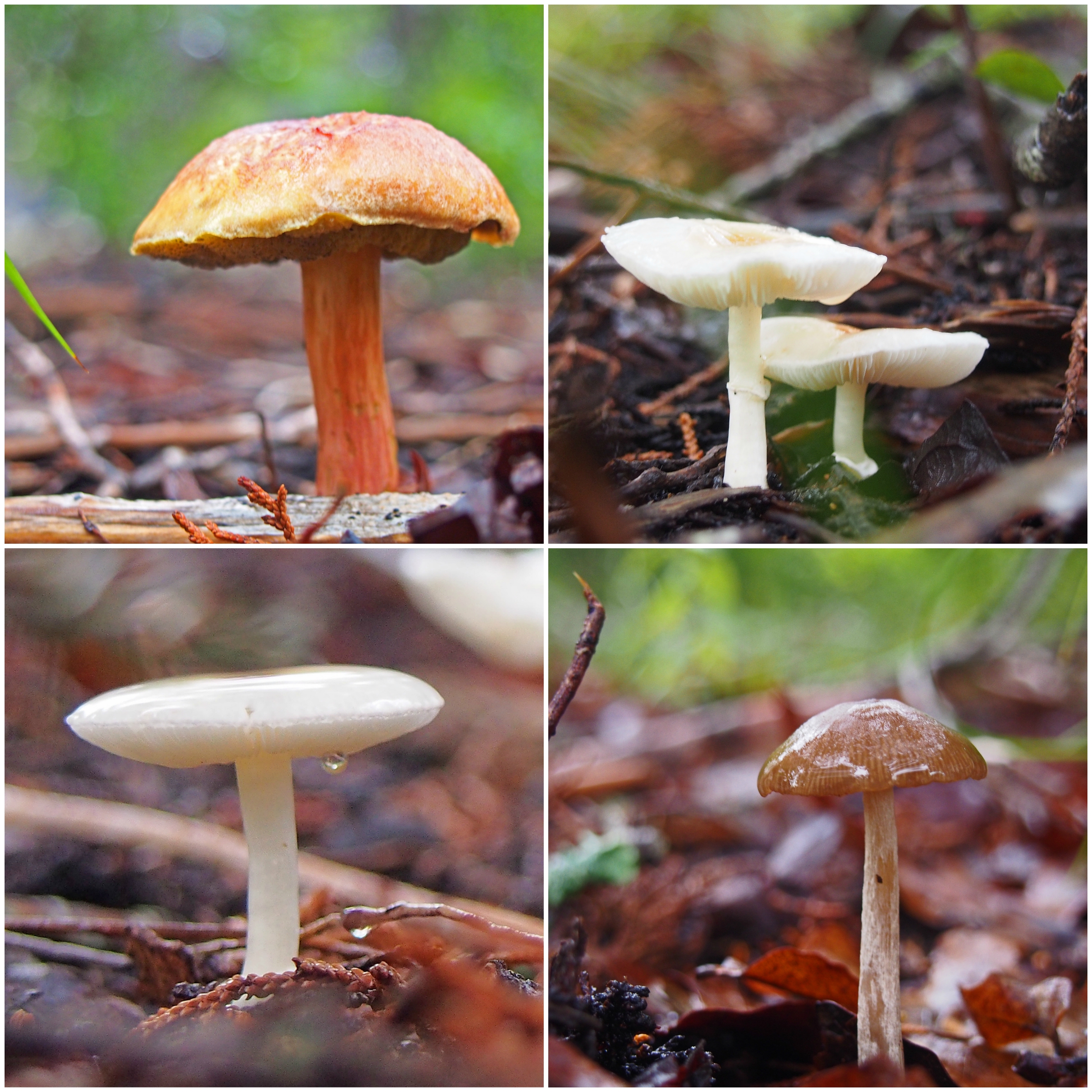
There was one other PC site called Shape Collage. I did not try it as it must be downloaded.
Last but not least is PiZap. I used it quiet a bit because of it’s simplicity. I just wanted to arrange the photos to show the progression of some photos I was editing. It was fun, not perfect and accomplished what I wanted. I also like the choices of backgrounds they have to chose from. Then I started making several other collages because it was just that easy. PiZap Free had all I needed for the project I wanted to do. It has photo editing, A MEME maker and ability to make Facebook and Twitter covers or your own custom cover. Be aware that most of these have free and premium aspects which I found myself wanting to click on premium options several times although the free ones were pretty good too. There is a 30 day free trial fo rthe premium or $3.99/month, $29.99/yesar or $69.99 for a life time subscription.
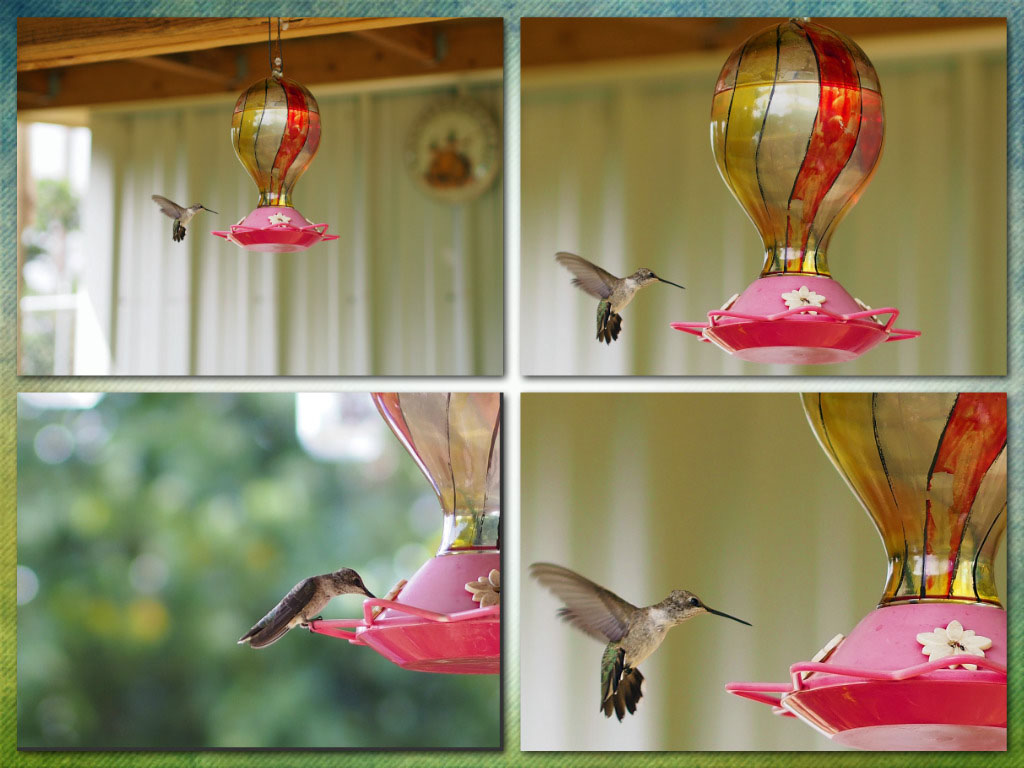
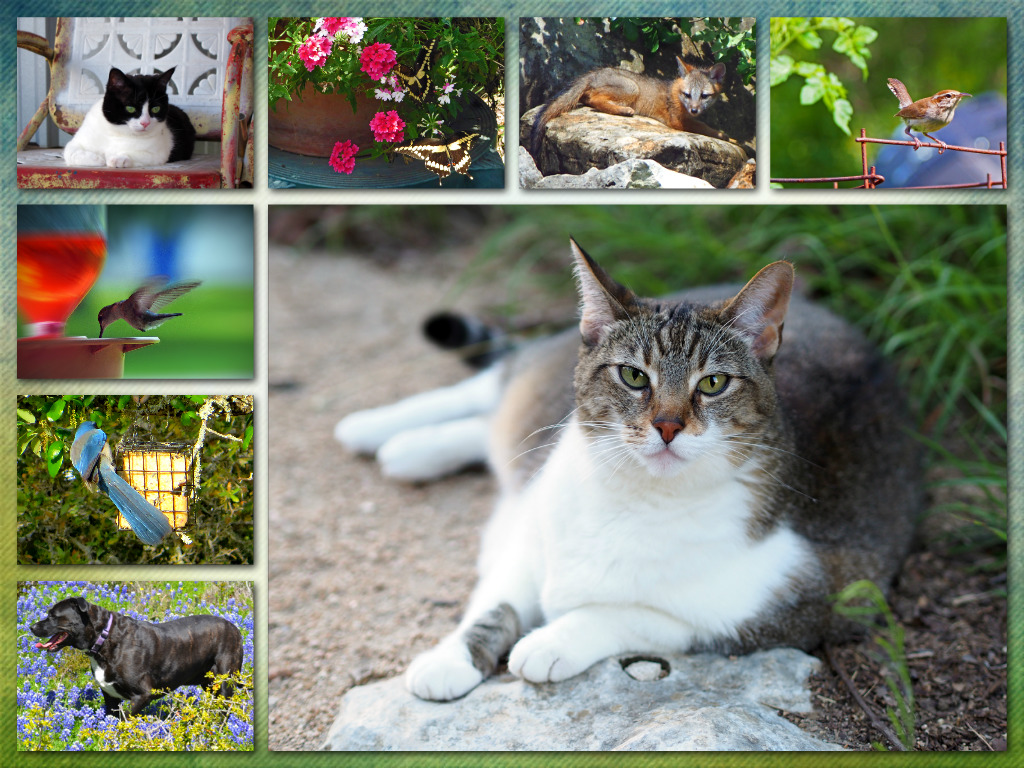

Over all I liked PiZap for it’s simplicity, Befunky because it feels like Photoshop Elements when I navigate but has better features and options on the creative front and Fotor , also for it’s creative features.
One more:
I found this one online after the fact. It is a site called PicMonkey.
Its features include:
It has a premium level called Royale. They have a 30 day free trial. It was simple to use. I just used the collage maker and none of the editing software.
I hope you found this helpful. Please let me know if you use any of these sites and your opinions.
Melyna

Good morning!
It is the first day of the school year for us. We do not live in an area where back to school is associated with cool, crisp fall temperatures. We will be hovering in the upper 90 F well into October. It doesn’t matter what the weather is like, or how hectic the rush to be at school on time is, coffee is necessary part of the morning routine. 😉
While looking for back to school coffee ideas, I ran across these awesome pencils on Etsy. These would be a fun gift for a teacher or any coffee lover you know (That includes yourself. ❤ )

The Etsy store is called Maple and Grace. Beautiful Gifts and Homeware
They are located in the United Kingdom. They also make Fairy Doors and personalized gifts.
Take a look, they have a fun and whimsical store.
Enjoy!
Although many students in band and sports have already returned to school for daily practice, school officially starts on Monday August 21 for us. Summer seems to have slipped past us without much fanfare and no vacations, but some years are like that.
I am still having fun exploring the new photo editing software Topaz and took one of my photos of a wind surfer in Rockport, Texas from a vacation in 2014. The photo was kind of dull. It was a gray windy day. This effect, titled Bluebell Impression, gave this photo new life. I love the colors and feeling of movement, the wind in the trees, the waves and the taut sail in the sky.

Who knows, maybe we will take a quick trip to the beach on a weekend. 🙂
This morning has been very relaxing. Drinking coffee on the porch while listening to the birds chirp and scold one another at the feeders. Enjoying a nice conversation with a friend that lives 1650 miles away and we managed not to persuade each other to buy any new books. (We did that earlier in the week. 😉 )
I also ended up going through old folders of photos, one in particular was from a trip our family took to Louisiana a few years ago. We went on a tour of Lake Martin in Breaux Bridge Louisiana. This is one of my favorite photos. The original was a bit washed out. I played with it in Topaz Studio and the first photo is a basic color correction with a bit of a vignette to darken the sky. The second one has a bit more color saturation and the third effect is called perfect portrait. Subtle differences but a vast improvement over the original.


Melyna
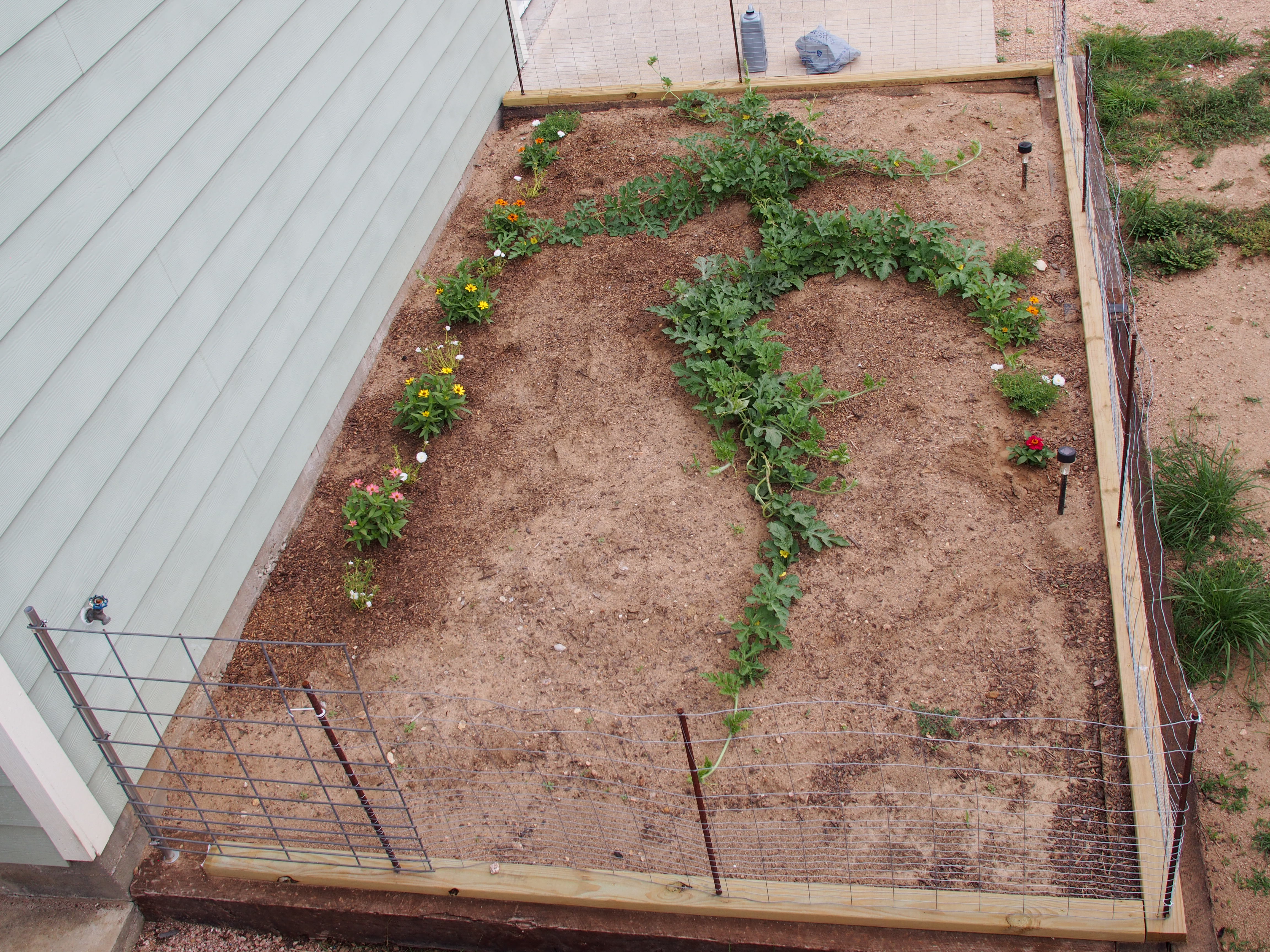
When we put in the vegetable garden this year, we also made an east facing bed for a flower garden. This garden is about 16 feet wide by 9 feet deep.
It was too late in the season to start the flowers from seed, so I planted a pot of heirloom sugar baby watermelon vines from Bonnie Plants. They carry this brand at our local home improvement store and I have had good luck with their peppers and tomatoes. The peat pot container had four seedlings in it. I planted this in the center of the garden and then added zinnias and portulacas along the perimeter.
Young watermelon vine June 09 2017

watermelon vine 6-19-2017

Young watermelon. The young melons are a lighter green with pronounced stripes. 6-19-2017

Looking into the garden from the front 6-19-2017

Watermelon patch 7-01-2017
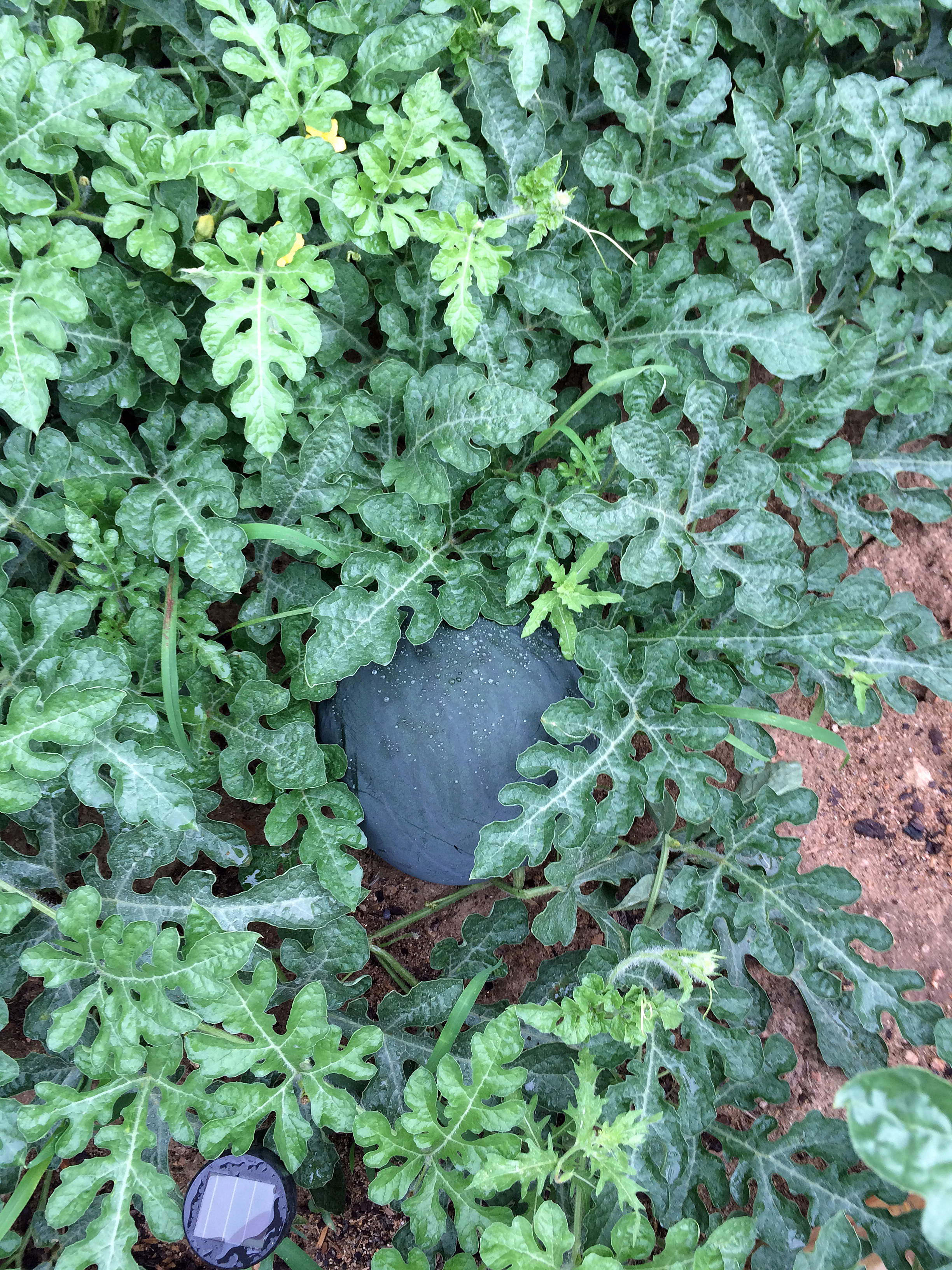
Almost mature watermelon. The skin has gone from bright green to darker dull green. These only grow to 8-10 pounds.
As the watermelons grew, the chickens found them more interesting especially as the watermelon vines ran outside the fence.

The chickens enjoyed the escaped watermelon

The first melon we picked was not ripe. The little curly tail on the vine was dry but the leaf off the stem next to it wasn’t. There are all kinds of ways that are supposed to tell you if it is ripe. I think the signs vary with melon variety and other factors. The one below is the only ripe one we have gotten so far. It was very sweet and the texture was good. I think if we had left it any longer it would have had the grainy texture.
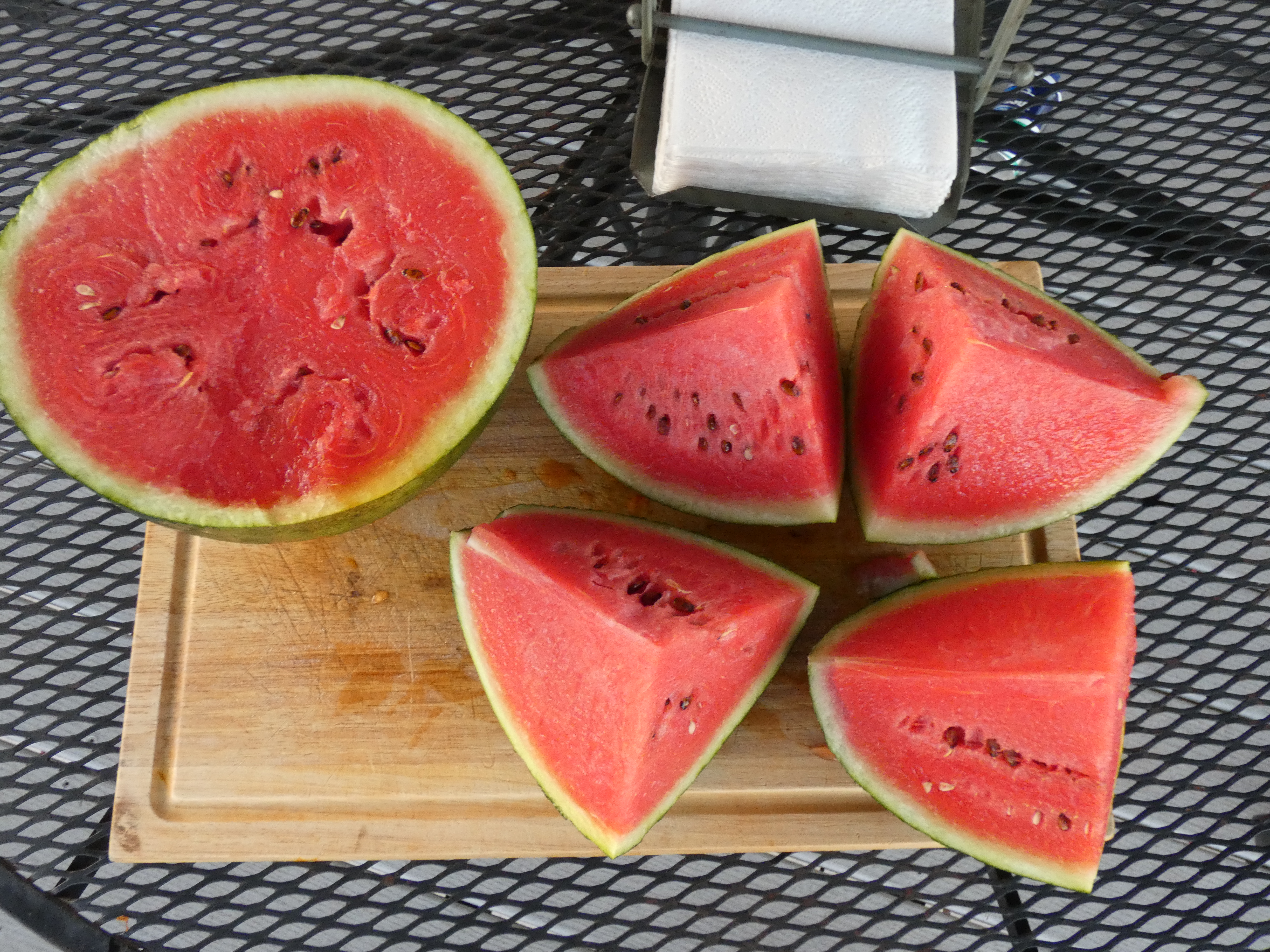
Unfortunately our watermelon patch looks to have a deficiency or a type of viral leaf wilt. we may not get too many more melons, although there are about 9 good size ones growing at the time of this post. The temperature has also been in the upper 90’s for the last couple of weeks and petty much everything is suffering from the heat. This could be another factor.

Overall it has been a fun experiment. I will research more about watermelon vine diseases and types of melons for our area. We have found that they require a lot of nitrogen, water and space and that no matter where I put the fence, the vines want to grow on the outside of it. 😉
 Coffee and Captured Moments